
Resize Image to 50KB Without Blurry Results
Finding the right balance between image clarity and upload limits can be frustrating, especially when portals reject files for being only a few kilobytes too large. This resize image to 50KB tool is designed to create lightweight images that still look clean and professional. It intelligently adjusts compression and dimensions to maintain readability, detail, and natural colors while reducing the file size efficiently.
- Smart Optimization: Automatically targets 50KB while preserving visual quality.
- Secure Processing: Everything happens directly inside your browser with no server uploads.
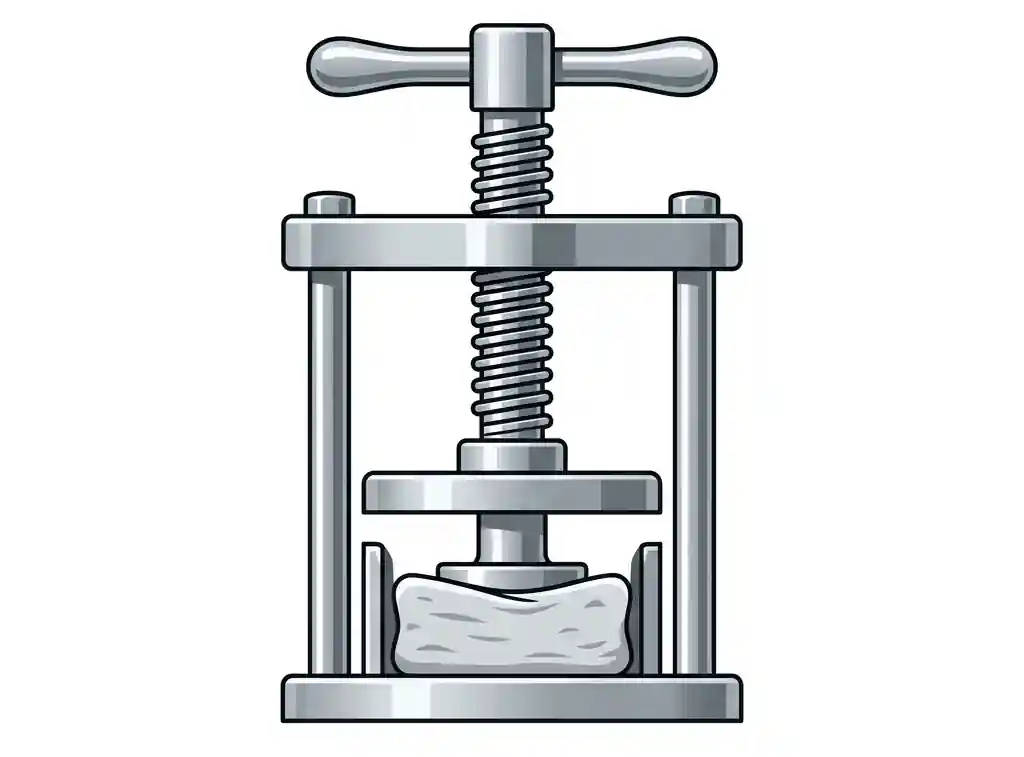
Quick Guide – Convert Image to 50KB
Select Image
Choose a JPG, PNG, or WEBP image from your device.
Choose 50KB
Apply the preset to automatically optimize your image close to 50KB.
Refine Settings
Use custom mode to adjust dimensions and quality manually if needed.
Maintain Proportions
Keep aspect ratio locked for distortion-free resizing.
Download Image
Save your optimized 50KB image instantly with one click.
Why 50KB Is a Popular Image Size Limit
The 50KB image size is widely accepted across online systems because it balances image quality with fast loading speed. It is large enough to preserve important visual details while remaining lightweight for uploads and web usage.
- Fast Uploads: Smaller files upload quickly even on slower connections.
- Better Compatibility: Many forms and profile systems accept files under 50KB.
- Optimized Performance: Lightweight images improve page speed and reduce bandwidth usage.
Best Uses for 50KB Images
Profile Pictures
Ideal for professional accounts, user dashboards, and online directories.
Document Uploads
Useful for attaching photos and scanned images to application forms.
Website Optimization
Perfect for lightweight blog visuals and preview images that load faster.
If you need different upload sizes, try Resize Image to 20KB, Resize Image to 100KB, Resize Image to 200KB, or Resize Image to 500KB.
Auto Mode vs Custom Resize Mode
This tool includes two optimization methods so users can choose between speed and precision.
Automatic 50KB Mode
The preset system instantly processes the image and attempts to achieve the exact target size with balanced quality settings.
Manual Fine-Tuning
Custom mode allows you to keep dimensions fixed while reducing file weight through adaptive compression controls.
When an image cannot perfectly reach 50KB due to complexity or format limitations, the tool applies the closest possible optimization and recommends additional adjustments.
Which Image Format Works Best for 50KB?
Different formats compress differently, which affects how easily an image can reach the target size.
- JPG/JPEG: Best option for photographs and balanced compression.
- WEBP: Excellent for achieving smaller sizes while preserving details.
- PNG: Better for transparent graphics and simple artwork.
Frequently Asked Questions
Can I resize large photos to 50KB?
Yes. The tool automatically adjusts compression and dimensions to reduce larger files efficiently.
Will resizing reduce image quality?
Some compression is necessary, but the tool is optimized to preserve clarity as much as possible.
Does the tool support mobile devices?
Yes. It works directly in modern mobile and desktop browsers.
Optimize Your Image to 50KB
Resize and compress images online instantly using intelligent optimization and advanced custom controls.